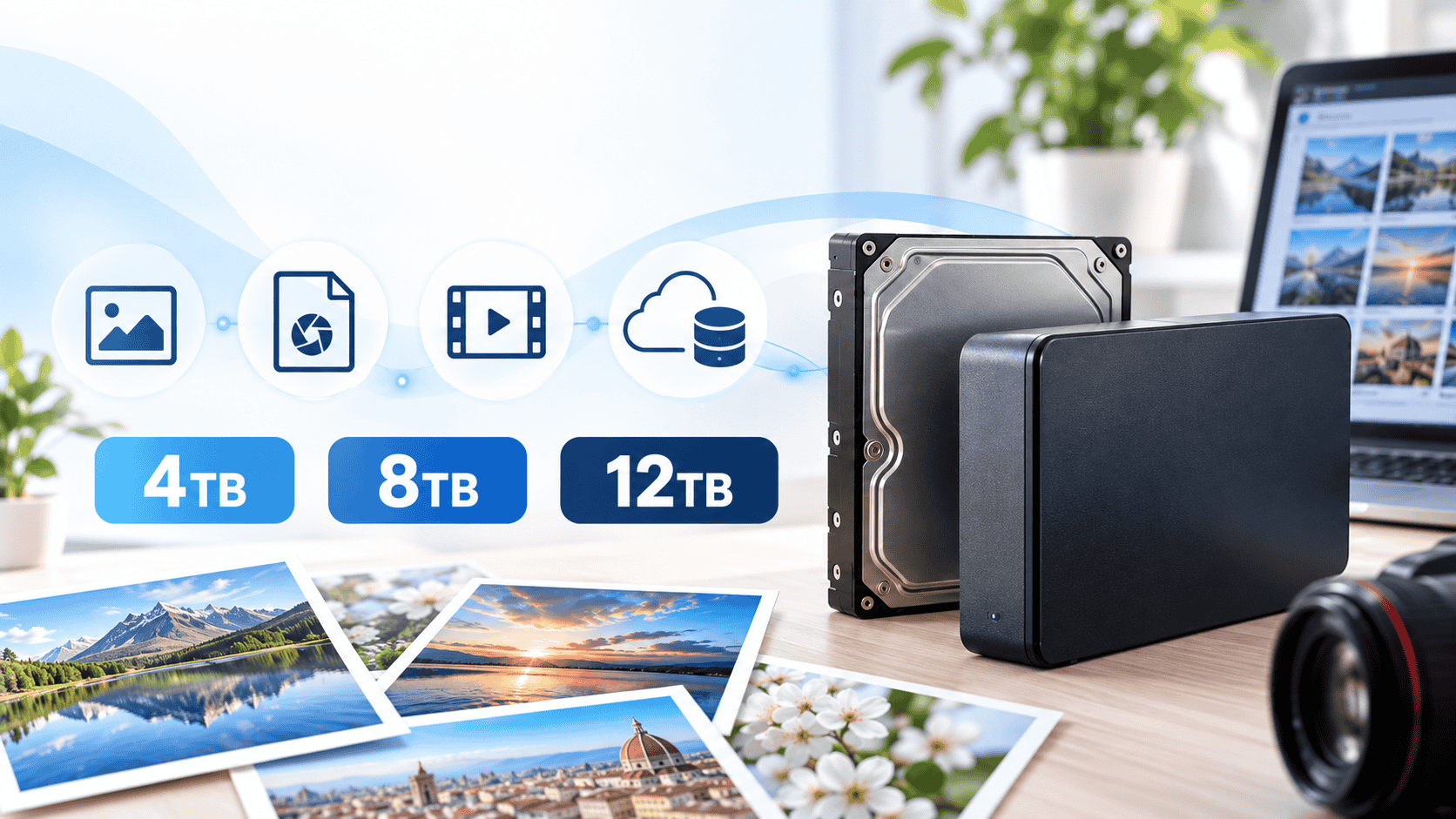
How much hard-drive space do your photos actually need? Start with what you already store, estimate how much you add each year, and allow for future growth. The familiar 4TB, 8TB and 12TB sizes are examples—not your only choices. This guide shows the calculation and explains when a smaller or larger drive makes sense.
Quick answer: choose capacity from your own data
Current data + annual growth × years of use + about 6–12 months of extra growth gives a practical target. Buy the next available HDD capacity above that target. Do not confuse unused space on the same drive with an independent backup.
| Advertised HDD size | When it may fit | Typical use |
|---|---|---|
| 4TB | You need more than 3TB but less than 4TB | Mostly JPEG and phone photos, little video |
| 8TB | You need more than 6TB but less than 8TB | RAW files, 4K video or a shared family library |
| 12TB | You need more than 10TB but less than 12TB | Large RAW and video collections or several users |
The table illustrates three popular sizes. Drives are also sold in 6TB, 10TB, 14TB, 16TB and other capacities. Check the available sizes above your calculated requirement rather than buying far more capacity simply because it is one of the three sizes in the title. Measure your own files first.
Calculate the space you need from current size and growth
JPEG, RAW and video use very different amounts of space
These figures are illustrative assumptions, not universal file sizes. Actual sizes depend on your camera, resolution, compression, codec and video bit rate. RAW files are often larger than JPEGs; video storage changes greatly with duration and recording settings.
| What you store | Assumption | Example total |
|---|---|---|
| JPEG photos | 10 MB per photo | About 100 GB for 10,000 |
| RAW photos | 50 MB per photo | About 500 GB for 10,000 |
| JPEG + RAW | 60 MB per pair | About 600 GB for 10,000 pairs |
| 4K video | Recorded at 100 Mb/s | About 45 GB per hour; 450 GB for 10 hours |
At 100 Mb/s, video uses roughly 100 ÷ 8 × 3,600 = 45 GB per hour before variations such as audio and file overhead. Not all 4K video is recorded at this bit rate.
Sony documents show that RAW file sizes vary with compression and that some cameras offer 4K settings such as 60 and 100 Mb/s. For a useful personal estimate, check the actual size of your photo folders and a few representative video files.
Worked example: planning five years ahead
Capacity needed = data you have now + annual growth × years of use + a reserve for further growth.
Suppose you have 1.6 TB now, add 0.5 TB each year and expect to use the drive for five years. The projected data is 1.6 + 0.5 × 5 = 4.1 TB. Add another 0.5 TB—roughly one year of growth—and you need about 4.6 TB. A commercially available 6TB or larger HDD is a candidate. The reserve is based on roughly six to twelve months of your own growth, not a fixed percentage of the drive.
If you do not know your annual growth, check how much space the photos and videos from the past year use. On Windows, right-click a folder and open Properties. Looking at several years can smooth out an unusually video-heavy year.
Who should consider 4TB, 8TB or 12TB?
4TB: mainly photos with modest growth
This can fit phone photos and JPEG collections with relatively little RAW or long-form video. If you already have more than 2TB, however, it may fill within a few years. Check your current total and yearly growth before deciding.
8TB: a mix of RAW photos and video
Consider 8TB if you keep both RAW and JPEG files, shoot 4K video or combine family libraries—and your calculated need is above 6TB but below 8TB. If 6TB meets the calculation, 8TB is not mandatory.
12TB: extensive RAW and video archives
A 12TB drive can suit frequent high-resolution RAW shooting, large 4K video archives or a multi-person library. Bigger is not automatically safer: concentrating everything on one disk also increases the amount at risk if it fails. Plan a separate copy.
HDD vs SSD: which should you use?
| HDD | SSD | |
|---|---|---|
| Main advantage | Large capacities at a comparatively lower cost | Fast reads and writes; no moving parts |
| Photo workflow | Archive completed photos and videos | Work on RAW edits and video projects |
| Caution | Sensitive to shock and vibration; may make noise | Usually costs more for the same capacity |
One useful setup is an HDD for the long-term archive and an SSD for active editing. Either type can fail, and files can be deleted by mistake. Storage medium and backup are separate decisions.
Plan a separate capacity for backup
Free space on your storage HDD is not a backup. Instead of paying for an oversized drive just to leave several terabytes unused, choose a suitable size and keep an independent copy on another HDD or in cloud storage. If you delete the originals from your phone or PC, those devices no longer count as additional copies.
For important photos, the 3-2-1 idea is helpful: keep three copies overall, use two kinds of media where practical and store one copy in a different location. At minimum, create one backup independent of your storage drive and periodically test a restore.
If you plan to duplicate an 8TB storage drive in full, the backup destination also needs enough space for the data it contains at that time. Two 8TB drives mean something very different when one is a backup than when both are combined into 16TB of primary storage. Another folder on the same disk or a RAID mirror alone does not replace an independent backup.
The same applies to a home photo server. Even if you follow our Immich setup guide for Windows 11, back up both the photo library and its database separately.
Frequently asked questions before buying
How much space do 10,000 photos need?
At an assumed 10 MB each, 10,000 JPEGs use about 100 GB. At 50 MB each, 10,000 RAW files use about 500 GB. That fivefold difference is only an example: measure perhaps 100 of your own images and multiply their average size.
Why does a 4TB drive show less than 4TB on my computer?
Drive makers use decimal terabytes, while operating systems may display capacity using binary units. An advertised 4 TB is about 3.64 TiB. This does not necessarily mean space has disappeared or the drive is faulty; formatting and system use can also affect the displayed figure.
Does RAID in a NAS eliminate the need for backups?
No. RAID may help with a disk failure, but it does not provide an independent copy against accidental deletion, sync mistakes, failure of the whole device or disasters. Keep a backup on another HDD or in the cloud.
Bottom line
- Measure what you have now and estimate annual growth over your planned years of use.
- Add roughly six to twelve months of growth, then choose the next available HDD size above the result.
- RAW and video can change the calculation sharply, so use your real file sizes.
- Budget separately for an independent backup destination.
These examples do not guarantee that any specific capacity will always be enough. Measure your current photo and video collection and choose based on how it is actually growing.
Sources
- Sony: RAW image file sizes
- Sony: example 4K video bit rates
- Seagate: storage capacity units
- Samsung: HDD and SSD differences
- CISA: backup options and the 3-2-1 approach
Disclaimer
This is general guidance based on information checked in September 2026. Actual file sizes, usable drive capacity, prices and product specifications vary. Check your own data and the manufacturer’s specifications before buying, and store important photos in multiple independent locations. You are responsible for your own migration, deletion and backup procedures.

Comments